Getting started
ntsc.js is a TV you can break on purpose. It encodes the picture into a real NTSC waveform, damages it the way tape, cable and a tired receiver do, then decodes it with the mistakes still in. You don't draw artifacts here. You break something upstream and watch what falls out.
It runs in a browser with WebGPU (Chrome, Edge, Safari 26+, or Firefox Nightly on Linux). There's nothing to install.
Four steps#
- Open the app ↗. It starts on a bundled photo.
- Click a preset. The board jumps to that look. Drag one sideways instead and it only goes in part of the way.
- Give it your own footage. Open Source A at the head of the signal path and pick a file, a webcam, a screen share, or a random clip out of Wikimedia Commons or archive.org.
- Hit random nudge a few times. It keeps the look you have and jogs every
control a little, which is where most of the good accidents come from.
ctrl+ztakes any of it back.
When you find something worth keeping, hit ⧉ copy link. The whole board lives in the URL, so a link is a patch.
What's on screen#
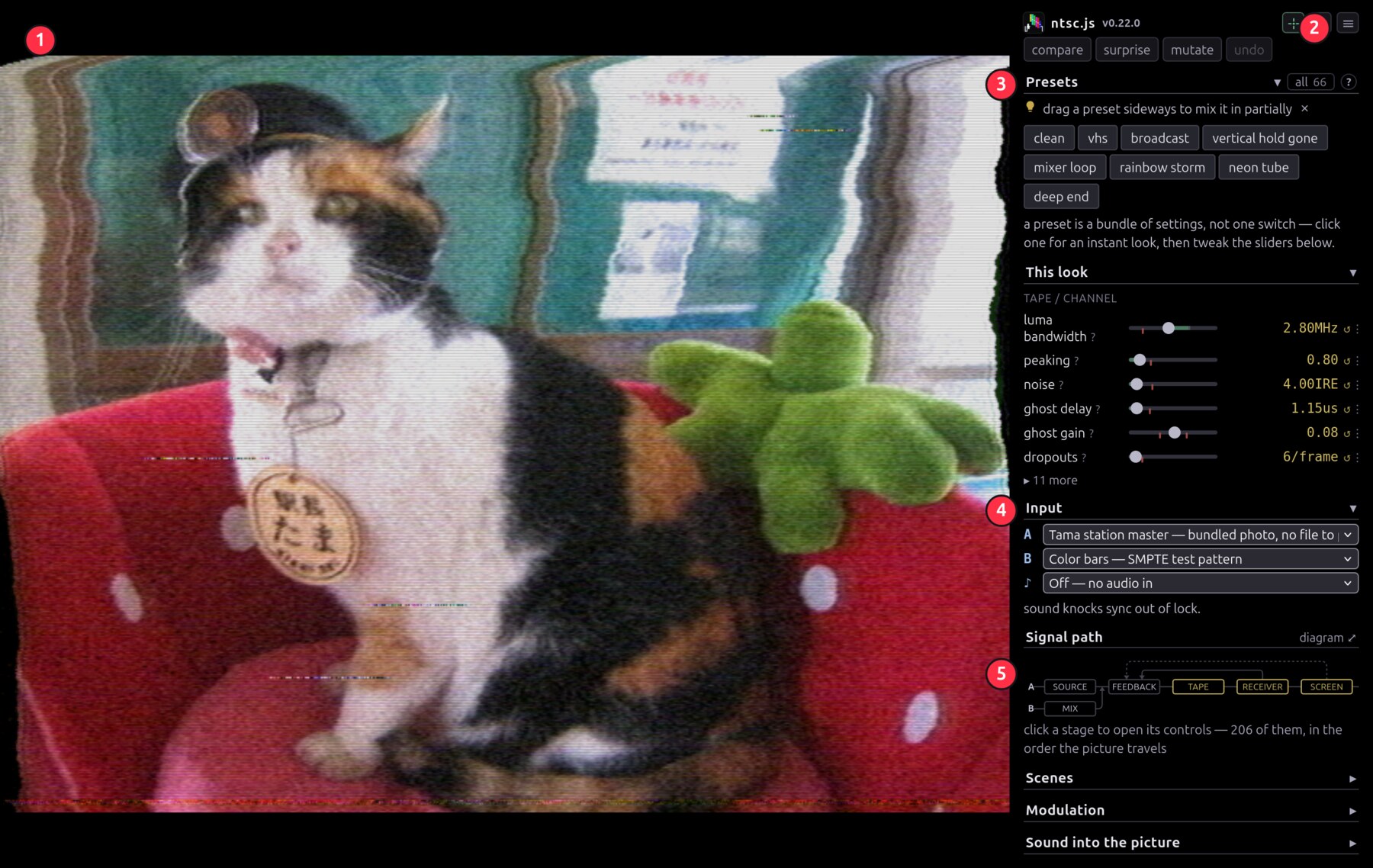
1 the picture, where a drag boxes a region to magnify and a double-click pulls back · 2 the ☰ menu, for stills, recording, fullscreen and settings · 3 presets · 4 input, A and B · 5 the way into every control.
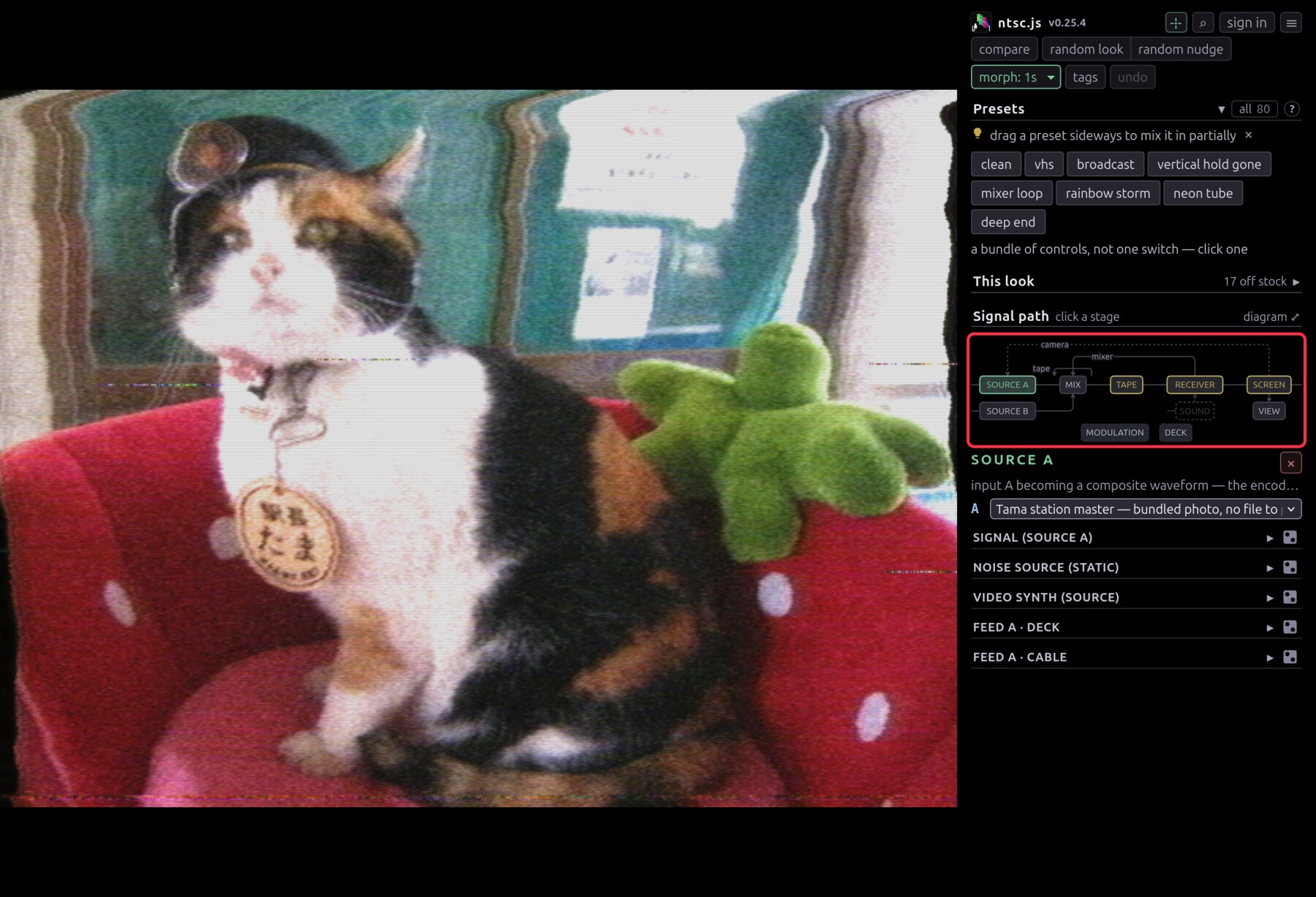
Controls sit where they belong on the signal path. The chain map at the top of the sidebar is that path, and every box on it is a button.
Six looks to try#
 |
 |
 |
 |
 |
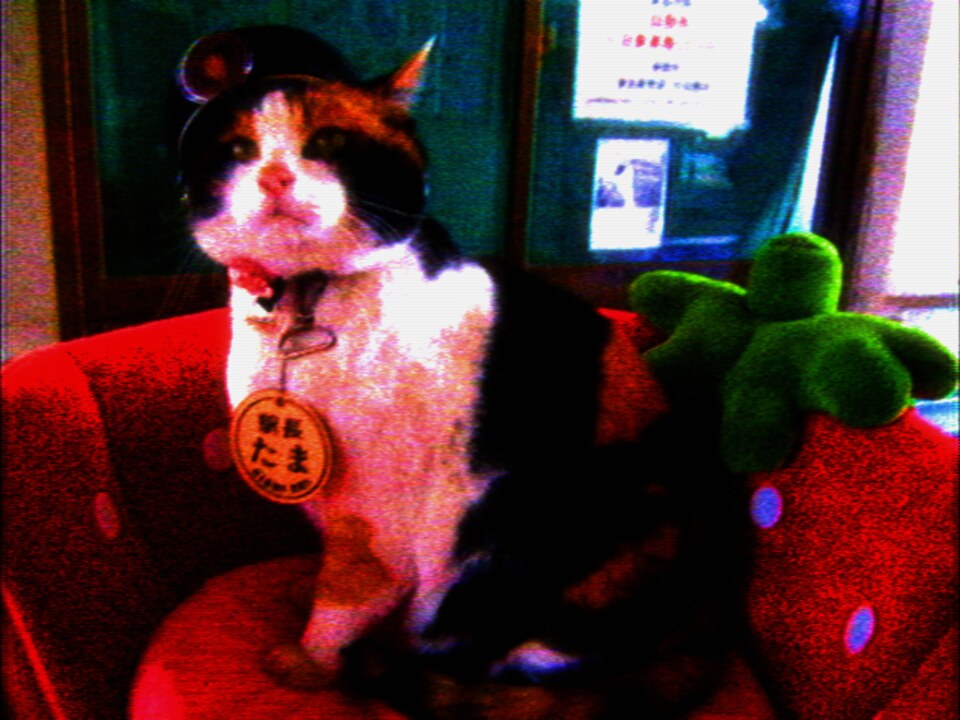 |
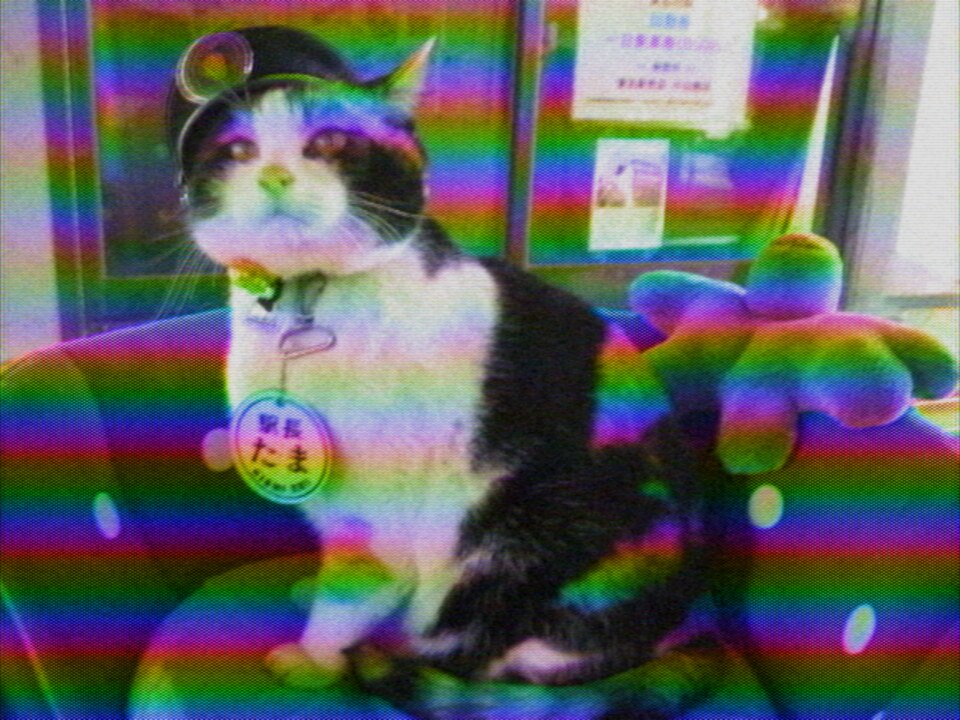
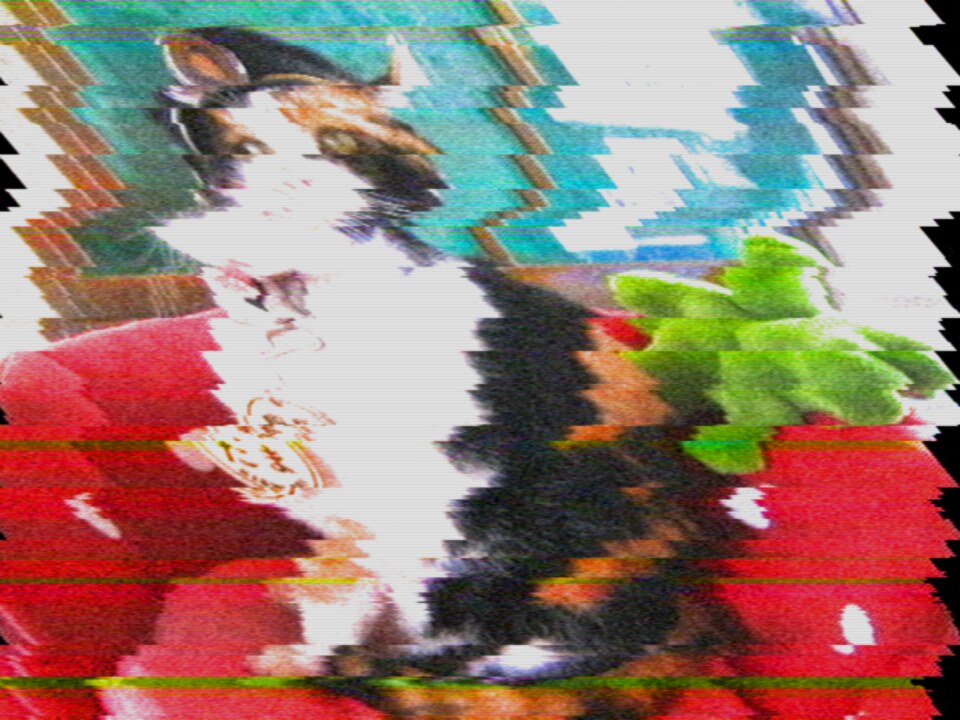
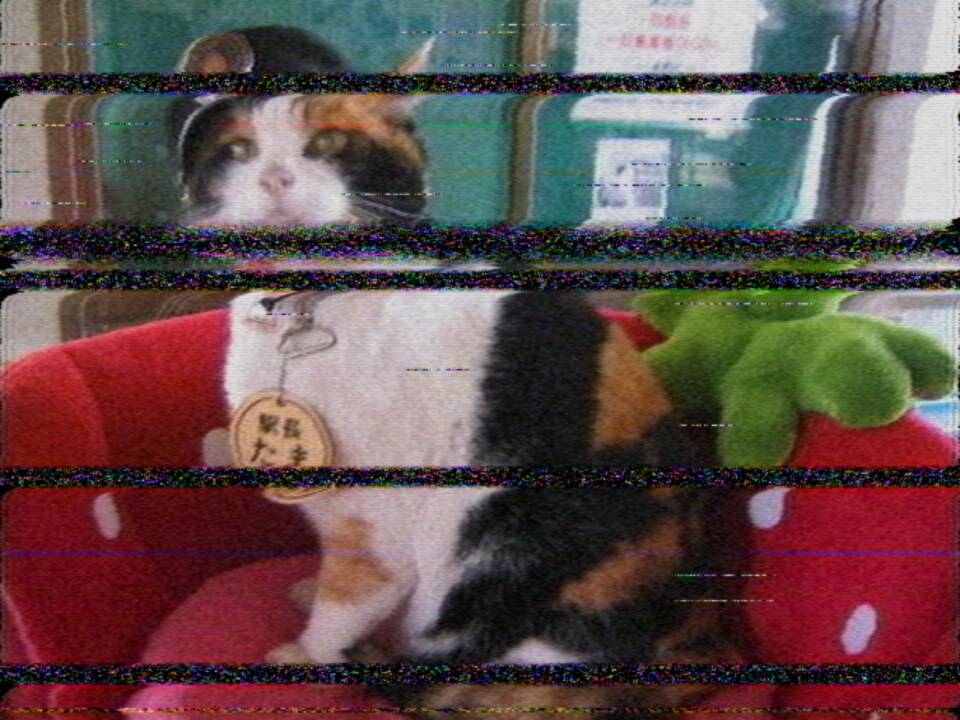
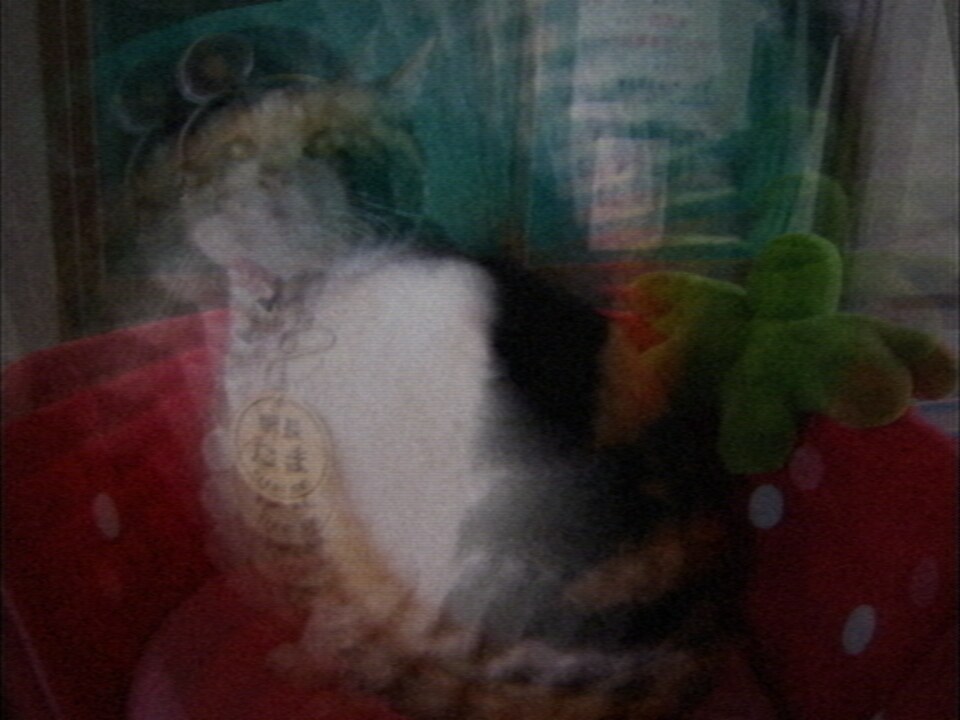
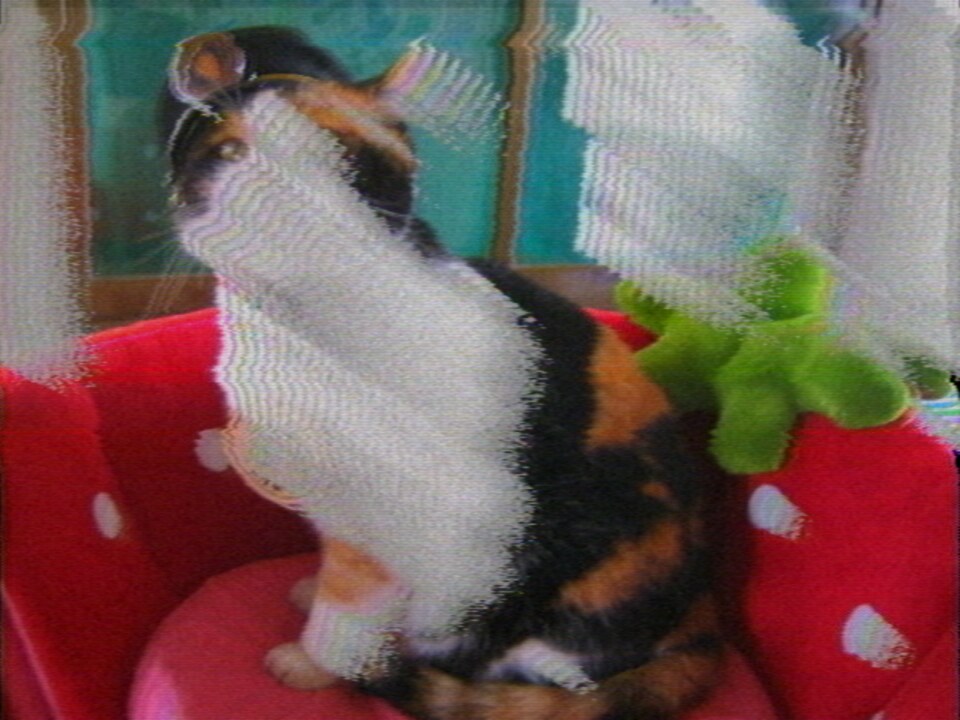
rainbow storm pulls the colour crystal off frequency · scrambled channel suppresses sync · picture search drags the head across four tracks a sweep · fb bloom points a camera at the monitor · key loop patches the composite back into itself through a luma key · neon tube drives the gun past where it can hold a colour.
Where next#
- User guide — sources, feedback, modulation, saving, scopes
- Effects & features — everything it does, control by control
- How it works — the signal path, pass by pass
- MIDI — setting up a controller